Unsplash is a fantastic website to get copyright-free photography free of cost. The site is popular among bloggers, social media advertisers, and digital marketers. However, Unsplash is not the only platform to get royalty-free images for free.
There are several other websites that are like Unsplash or sometimes better than it. These alternatives have a vast library of photographs, designs, vector art, and other things. You can download the free stuff or pay the contributors for premium content.
For those who were not aware of Unsplash alternatives, we have made a list for them. You will find both free and paid alternatives in the list. Our list has some best sites for providing high-resolution, copyright-free images.
Also Read- Best Free Shutterstock Alternatives
List of Best Unsplash Alternatives
Below, we mention one of the best Unsplash alternatives you can use to get free stock photos and use them anywhere without any permission.
1. Pexels
 Pexels is an Unsplash alternative where you will find many copyright-free images, music, and other such things. Pexels has a vast digital content library; you can find images for every genre. There are more than 2 million stock images on this site.
The site has a minimal user interface that makes it easily navigable. You can download your required content from Pexels without creating an account or logging in. There is also a search bar where you can search for images using keywords.
2. Burst
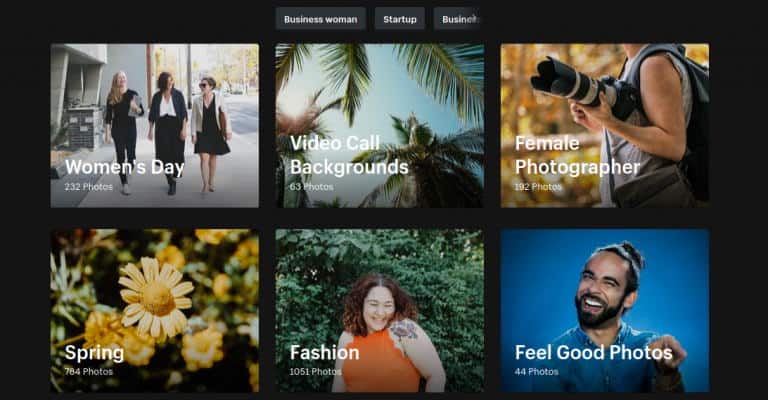 This is a fantastic website that most content creators rely upon to get images and videos. The best part of using Burst is one can find royalty-free images for free. A search bar on the home page can be used to search your required photos.
Moreover, several categories on the page let users jump directly into the photo library. On Burst, one can find images for blogging, websites, social media ads, etc. You can also become a contributor by uploading your clicks.
3. StockSnap
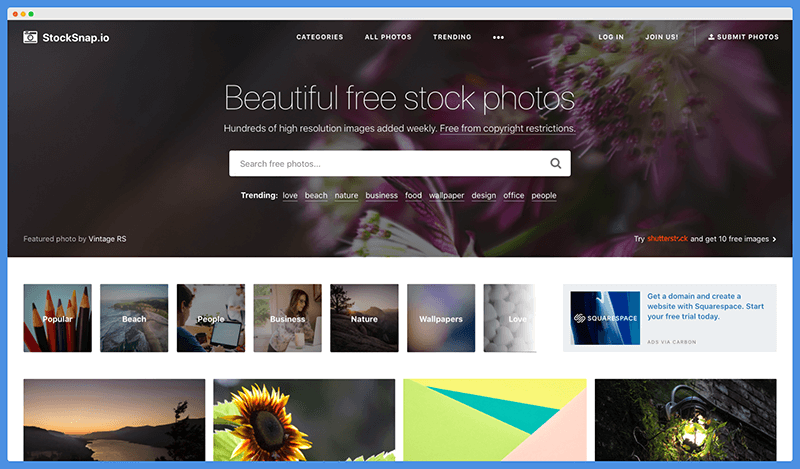 StockSnap is somewhat similar sites to Unsplash regarding user interface and content library. A unique aspect of StockSnap is that you can get all the details of an image by hovering your cursor over it. In addition, it features a one-click download to make your experience smoother.
The site is categorized into different sections to make it convenient for users. However, before downloading images, you have to create a free account on StockSnap. With your account, you can either submit your photos a download the required ones.
4. Flickr
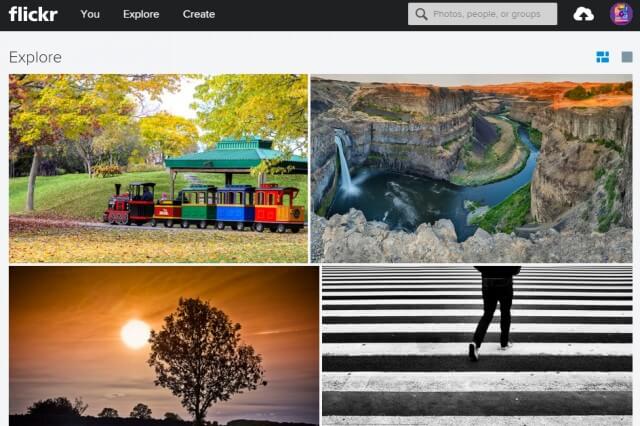 Another site that you can trust for getting high-resolution copyright-free photos is Flickr. This site has a massive collection of images required for creating engaging content. In addition, Flickr is a trusted site as it has been operating for 15 years.
There is free and paid content on the platform, among which you can choose as per your choice. To get your required images, you can either use the categories on the web page or search them directly on the search bar.
5. Pixabay
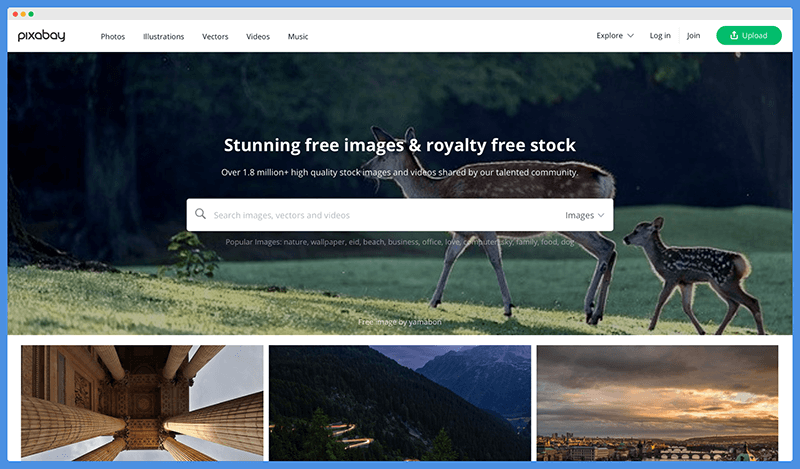 One of the most famous sites for downloading free images is Pixabay. Millions of users use the site daily to get their desired pictures free of cost. You don’t even have to register yourself to get your hands on its content.
There are millions of photographs, vector art, and illustrations on Pixabay. If you are a website developer, an API is available to integrate Pixabay into your website. Recently the site has also launched its mobile applications for Android and iOS devices.
6. FreeImages
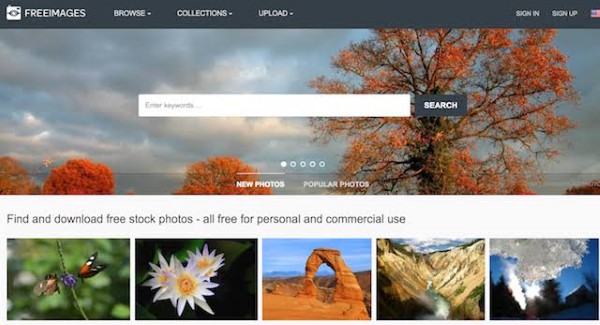 This Unsplash alternative has some perfect images and designs that you can incorporate into your work. FreeImages collaborates with Getty Images to provide you with royalty-free and stunning photographs. Currently, its library has more than 300 thousand photos.
The homepage of the site is beautifully organized with different genres. You can tap on those genres to get directed to your respective categories. There is also a search bar to help you out with navigation.
7. KaboomPics
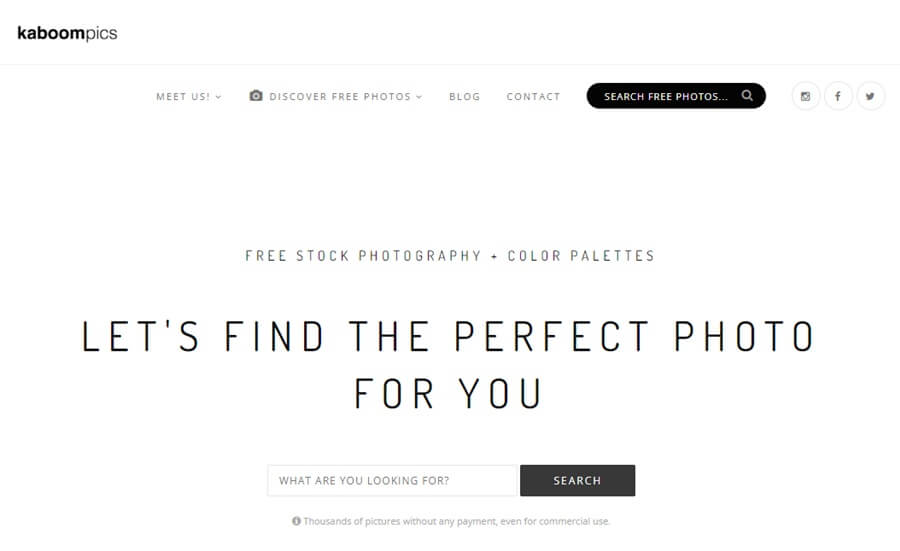 KaboomPics is a free source of getting free images for commercial purposes. It is a unique website where you can find some high-resolution photos and artwork and download them for free of cost. In addition, the user interface is straightforward with many convenient options.
For example, there is an option in KaboomPics using which you can search images with color pallets. The photos are available with all the information, including the contributor’s name. Apart from that, several categories include newest, oldest, and others.
8. Canva
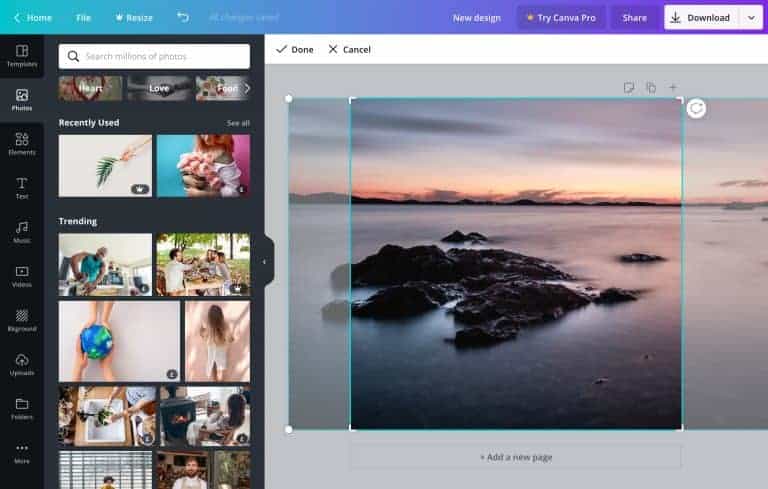 Canva’s library contains millions of photos. It is not a conventional royalty-free photo hub but a template design tool. However, you can find many handcrafted designs on Canva to use in your project.
Before downloading any image, you can choose the resolution in which you want them. There are two types of content in Canva: one is free, and another one is paid. To get access to paid content, you need to get a subscription.