Remote work or work from home has taken the highest gear in recent years. The system reduces personal grooming and commuting time. Consequently, WFH improves productivity drastically while employees work with peace of mind. Probably, employees are the biggest winners.
But when it comes to awareness of cybersecurity threats, it becomes a huge responsibility to protect the system and precious data of the organization from being breached in any form.
A minimum error can cost you a lot. Therefore, cybersecurity tools come into the picture to protect you from cybercrime. Here are the best cybersecurity tools for remote workers to provide ultimate protection. We listed free and paid tools that industry experts can use.
Best Cybersecurity Tools for Remote Workers
Our PC is genuinely precious nowadays, and it has all the company’s and our data. Protecting it is like a safeguard that has to be a part of the routine. Here’s our recommendation of the best free cybersecurity tools for a work-from-home employee.
1. Wireshark
 Wireshark is one of the best protocol analyzers. It can scan or diagnose the network at a microscopic level. Moreover, it shows you live capture of network issues and offline analysis.
Wireshark is beneficial for those who use network hubs for remote work. It will also help you analyze Rich VoIP and inspect HTTP and low-speed servers. Hence, Wireshark is compatible with Windows, Linux, macOS, Solaris, FreeBSD, NetBSD, and many others.
Even if you want to check whether your software is perfectly fine or has become malicious, Wireshark is really useful for monitoring and helping to protect remote workers from cybercrime.
2. Defendify
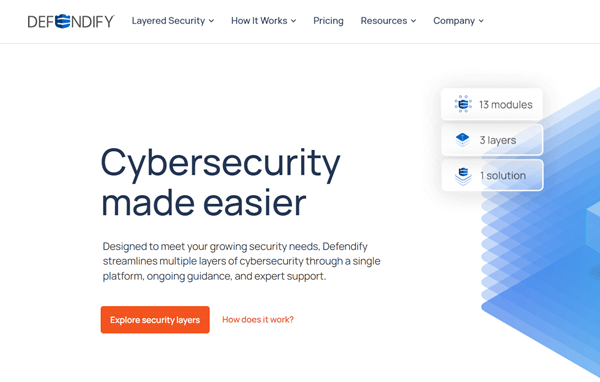 Multi-layer security protection is making cybersecurity easier than ever. Defendify is a SaaS platform that, using its 13 modules, keeps you away from online threats and incidents.
Most remote workers have to deal with lots of gadgets and software to accomplish the assignment, but when it comes to cybersecurity, every worker starts thinking and worrying about phishing scams, vulnerability, and many others.
Defendify surely helps you in this, providing awareness and knowledge about cybersecurity in the first layer. However, the platform has always been prepared and proactive to monitor malware, ransomware, and other threats.
3. Burp Suite
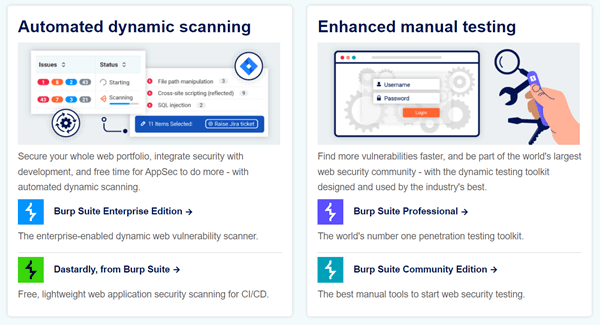 As a normal remote worker, you never know what’s going on with the security system, its weaknesses, or even how to fix all these areas. That’s why you need the Burp Suite, a bunch of tools that will fight against all security odds.
Burp Suite has 45,000 trusted users worldwide. It can also scan the most recent bugs and support automation. Its web crawler helps test a website from A to Z and gives alerts about unwanted vulnerabilities.
4. Pfsense
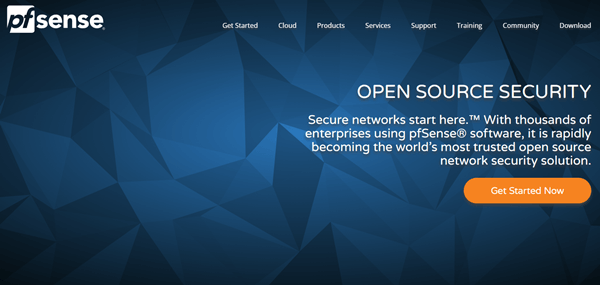 In the matter of network security solutions, Pfsense always comes first in my mind. If you often think about storing sensitive data on the system, this open-source security provider can protect that data.
Remarkably, freelancers and remote workers are adapting to use an extra layer of network security. And Pfsense is doing this in such a way it filters out unauthorized traffic and allows the safest for you and your precious data.
Moreover, it has anti-spoofing properties. As a powerful firewall, router, and VPN solution, it is widely popular among remote workers and medium-size businesses.
5. Kali Linux
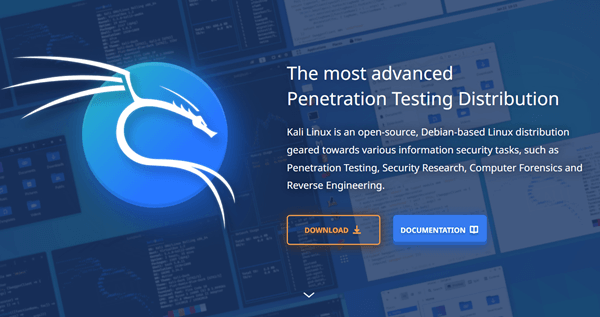 If you are looking for penetration testing, Kali Linux is here to help. Most importantly, the latest edition of this security tool comes with over 600 penetration testing tools to provide ultimate security to your system.
Kali Linux is a Linux-based, open-source tool, but you can use it on mobile devices, pre-built virtual machines, and Amazon Web Services. It provides safety, stability, and cost-effectiveness as well. Being a remote worker, you can use it for security for sure.
6. Kee Pass
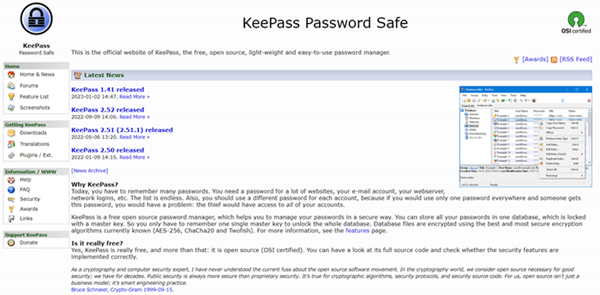 Managing passwords safely is one of the most crucial things when you work from home or anything else. Kee Pass is the solution that every conscious remote worker should look for. It protects your password from hackers or cyber thieves. Even it helps to create strong passwords.
Significantly, it stores all passwords on the local storage instead of the cloud to protect from the bad eye of the internet. Generally, Kee Pass is compatible with Windows, but other cross-platform (Kee Pass XC) are available in other systems.
7. Air-crack Ng
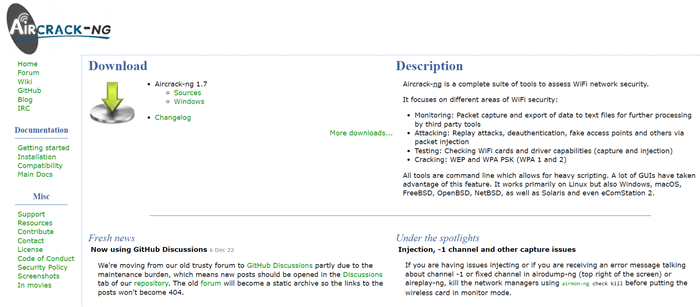 Air-crack Ng is another sublime cybersecurity tool for remote workers. It is designed for Linux, Windows, macOS, FreeBSD, NetBSD, and Open BSD. So, what is stopping you from adding a tight lock to your valuable data?
The key roles of the tool are testing penetration and network monitoring. It can even check WIFI vulnerability. Besides that, its packet injection helps to prevent de-authentication and fake access points. Overall, it is a useful tool for monitoring threats over the network.
8. TripWire
 TripWire has been known for its cybersecurity over the years. It is another open-source cybersecurity tool that users of Windows, Linux, Unix, and macOS operating systems can use to maintain safety.
TripWire keeps strict surveillance on your files; if it finds any movement, it sends an alert to take action. It can also justify the corrupt network. Other than that, monitoring group policy objects, registry keys, and the output of commands becomes easy with TripWire.
However, the tool is not limited only to audits; it can also fix problems using its largest policy library. To sum up, TripWire is a perfect tool for keeping your system safe from attacks.
Final Words
When we start worrying about cybersecurity, choosing the right tools comes first. So, these are the best cybersecurity tools for remote workers and freelancers. As a remote worker, which one are you picking? Let me know in the comment section.